



The Mailchimp integration automatically syncs contact information from your BMS account to Mailchimp, enabling you to leverage those contacts for targeted email marketing and automation campaigns.
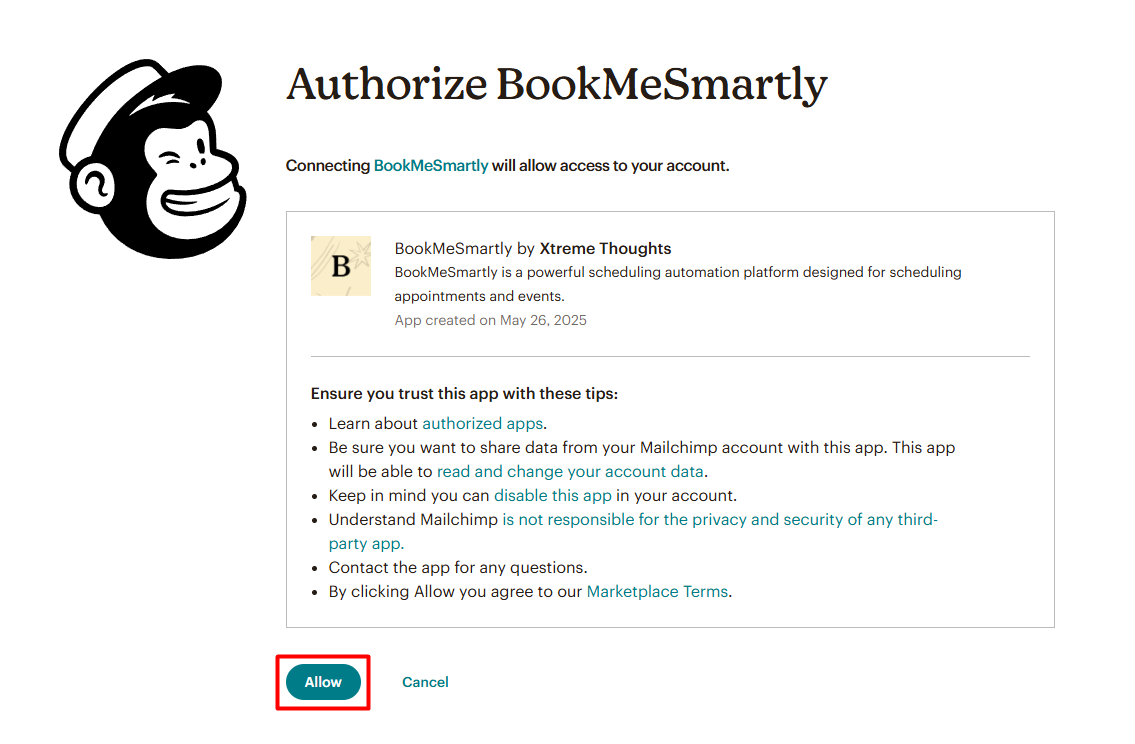
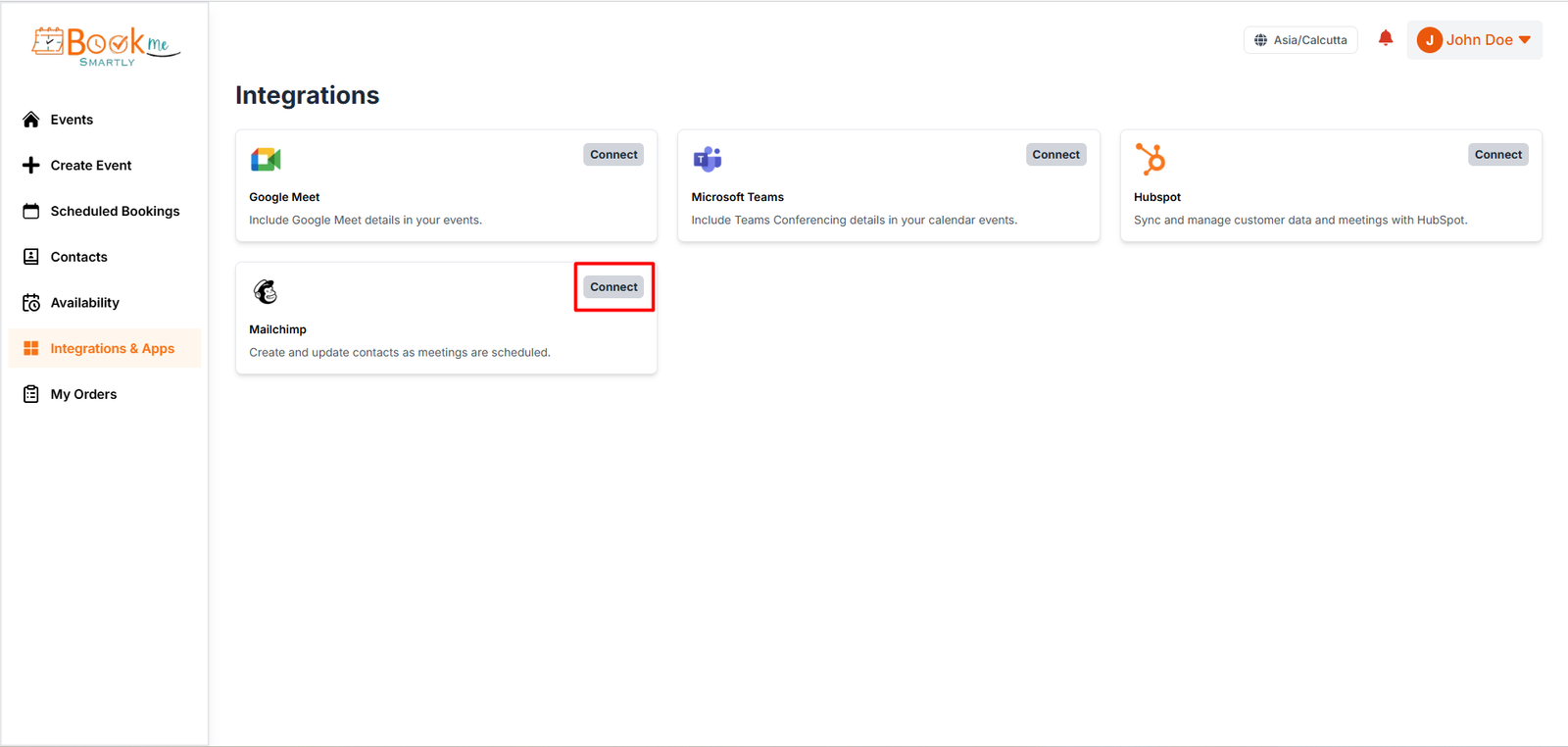
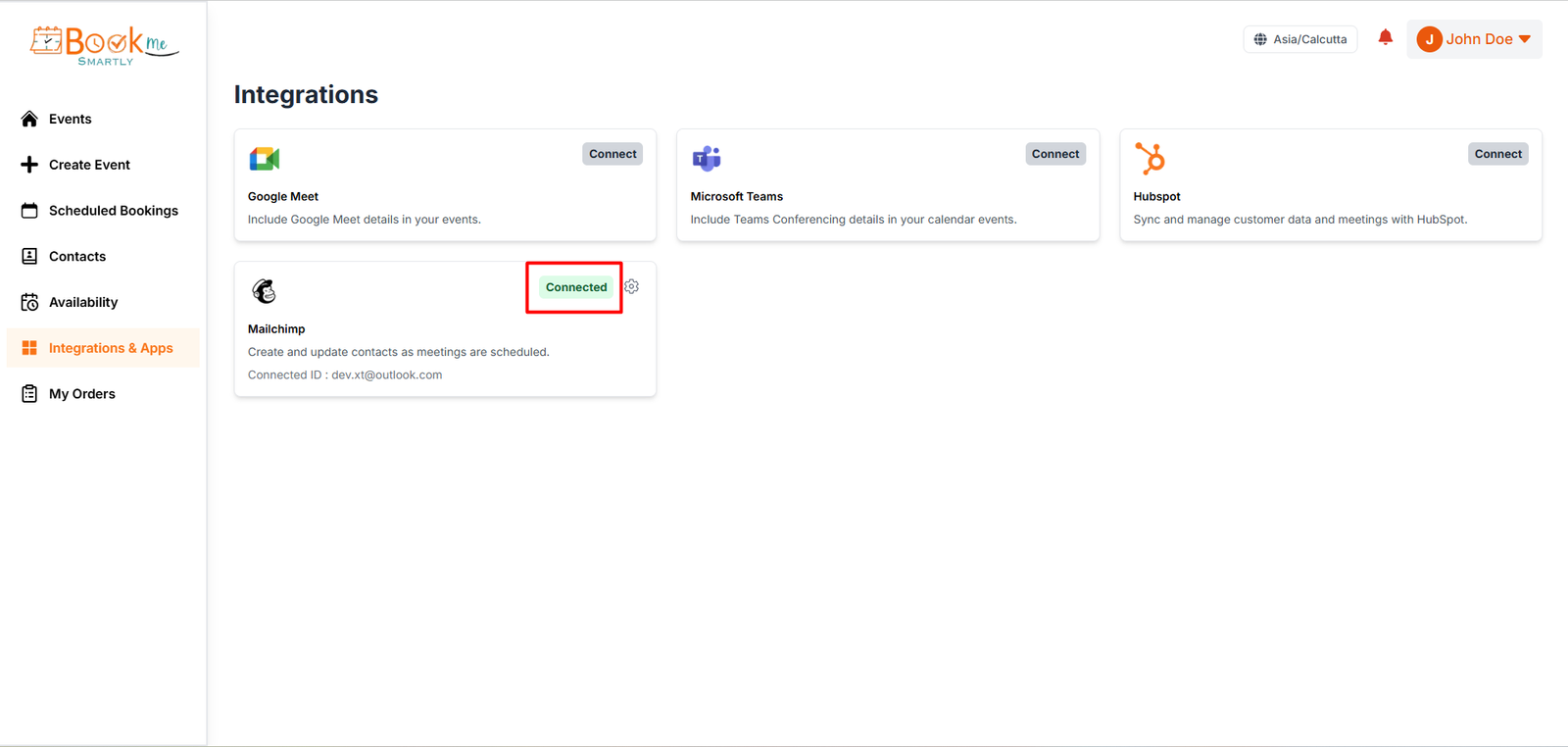
- To integrate Mailchimp with your BMS account, go to the Integrations page by navigating from the left-hand menu.. Select ‘Mailchimp’ and log in using your Mailchimp credentials. Once successfully connected, Mailchimp Integration Status would be changed to ‘Connected’.


- Ensure that the necessary permissions are granted to BMS within your Mailchimp account to complete the integration successfully.
New Bookings
- Whenever a booking is made the integration checks your Mailchimp account to determine whether the individual is already listed as a contact.
- If the individual is not found in your Mailchimp account, BMS will automatically create a new contact and assign it.
Update Contact
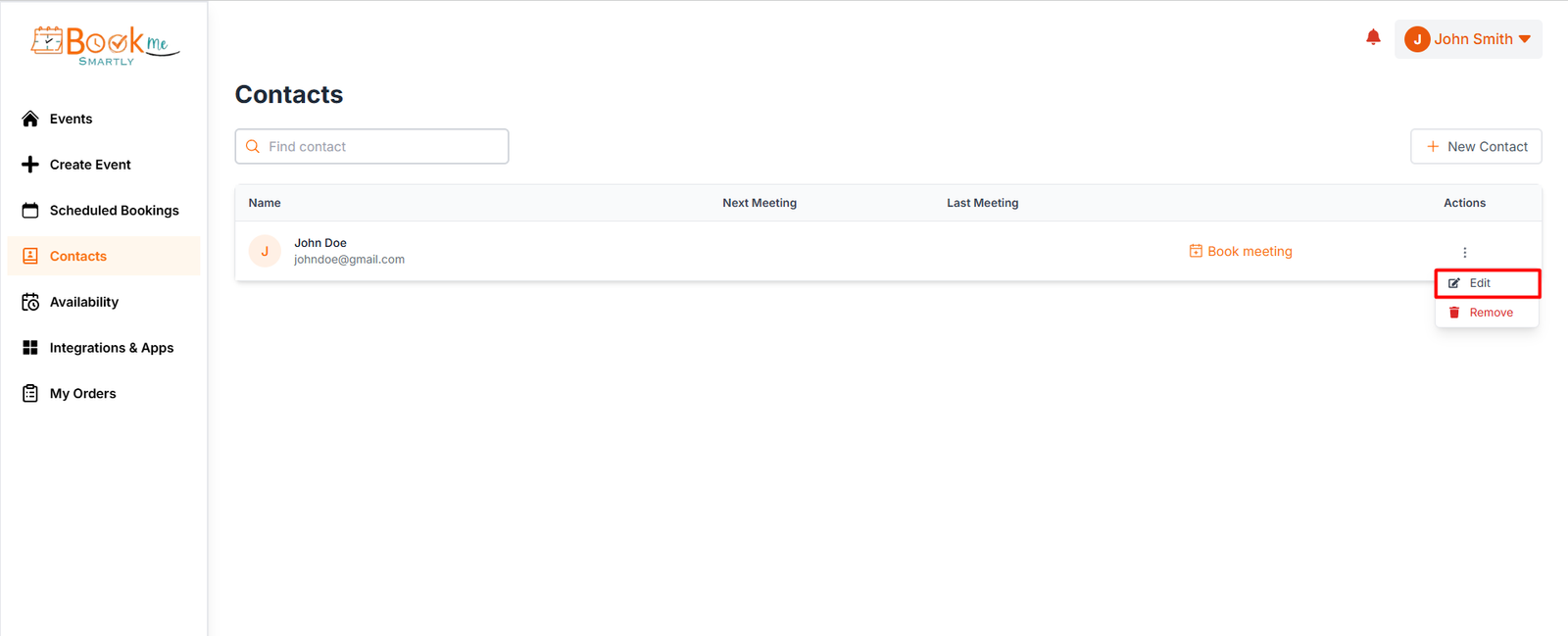
- While Contact information is updated keeping same email ID from BMS, that will be reflected to Mailchimp instantly.
- Please note: Mailchimp identifies contacts based on their email address. Therefore, if you update the email address in the booking details, a new contact will be created in Mailchimp.
Mailchimp configurations
- Certain Mailchimp properties are automatically mapped to standard booking information from BMS, including First Name, Last Name, Email, Phone Number, Mobile Phone Number, Time Zone.