


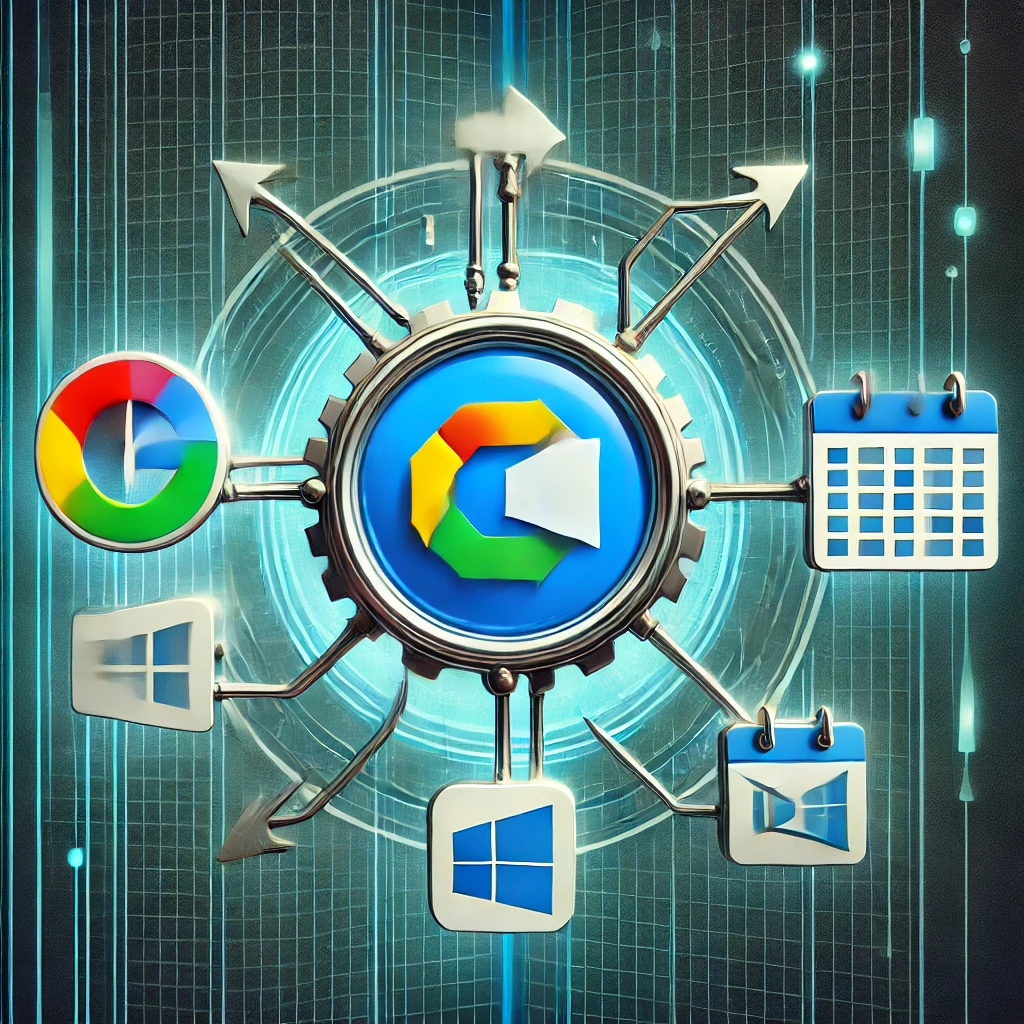
In today’s fast paced digital landscape, scheduling meetings and appointments can be a daunting task. BookMeSmartly has revolutionized the way we schedule meetings, making it easier to manage our time and increase productivity. However, one crucial feature that takes this tool to the next level is Google/Microsoft calendar integration. In this blog post, we’ll explore why this integration is essential.
The Benefits of Google/Microsoft Calendar Integration:
Seamless Scheduling: With Google/Microsoft calendar integration, users can schedule meetings and appointments on BookMeSmartly and it directly shows in their calendar. This eliminates the need to switch between apps, making the scheduling process more efficient.
- Real-time Availability: Integration with Google/Microsoft calendars ensures that users’ availability is always up-to-date. This reduces the likelihood of double-booking or scheduling conflicts.
Automated Reminders: When integrated with Google/Microsoft calendars, BookMeSmartly can send automated reminders to attendees, reducing no-shows and increasing meeting attendance.
Streamlined Meeting Management: Integration with Google/Microsoft calendars enables users to manage meetings and appointments from a single platform. This streamlines meeting management, reducing the time spent switching between apps.
Enhanced User Experience: By integrating with Google/Microsoft calendars, BookMeSmartly can provide a more seamless and intuitive user experience. This leads to increased user adoption and satisfaction.
The Consequences of Not Having Google/Microsoft Calendar Integration:
- Inefficient Scheduling: Without integration, users must manually check their calendar availability, leading to inefficiencies and potential scheduling conflicts.
Double-Booking: The lack of real-time availability updates increases the risk of double-booking, leading to wasted time and resources.
Poor User Experience: Without integration, users must navigate multiple apps, leading to a clunky and frustrating user experience.
So Let’s Explore this amazing platform.